The short answer
A scanner captures the paperwork; it does not reconcile your books. Agree on the record format and handoff with your bookkeeper first.
What to consider
As an Amazon Associate I earn from qualifying purchases. The buttons marked Amazon are affiliate links. How our links work.
Bookkeeping workflow
QuickBooks
Evaluate invoicing, expense, user, accountant-handoff, payroll add-on, and export needs.
Before buying: Check the current plan, renewal cost, compatibility and cancellation terms against your requirements.
Receipt and document capture
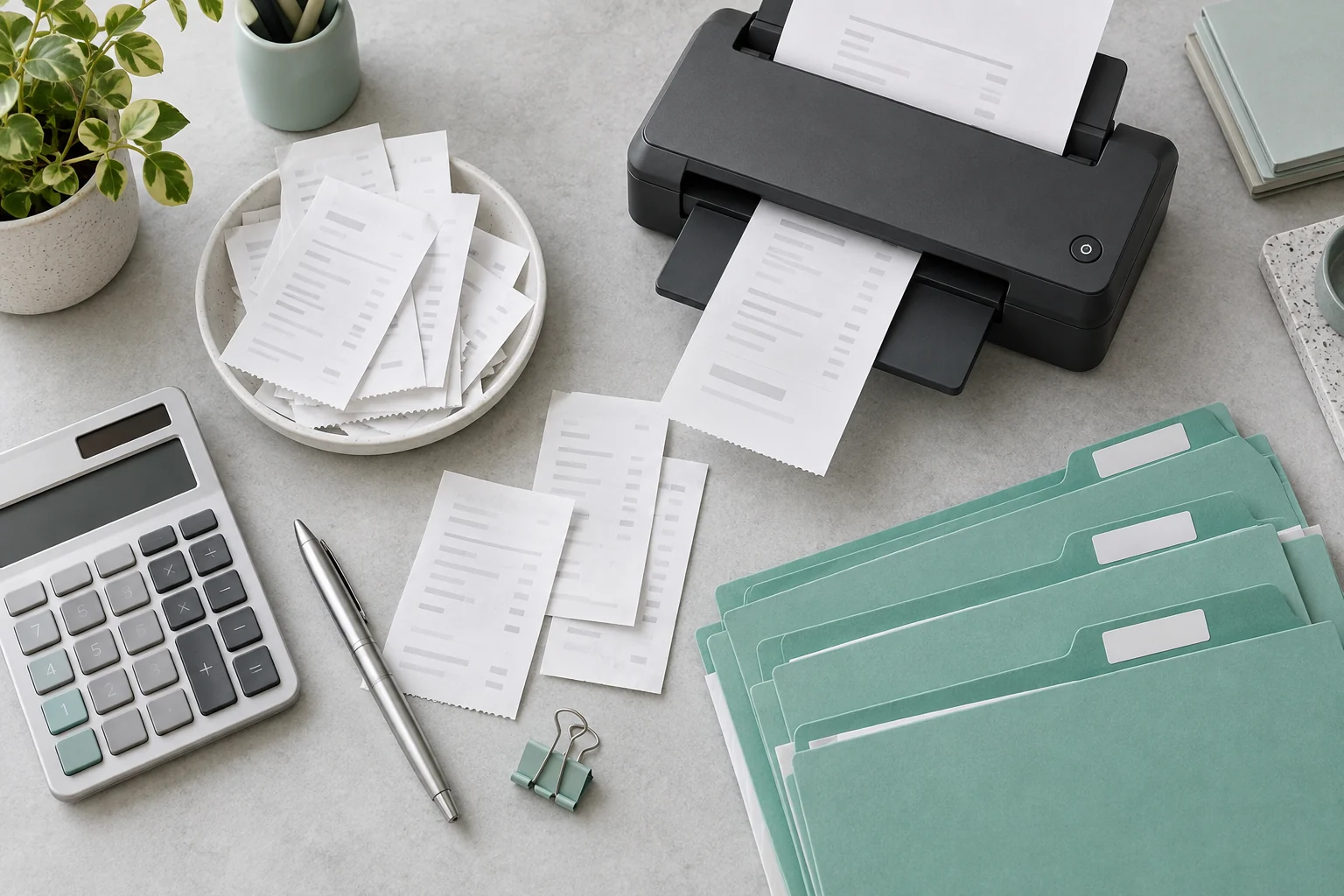
Brother ADS-1300
Regular batches of paperwork where a sheet-fed scanner is useful.
- Single-pass two-sided scanning
- 20-page automatic feeder
Before buying: Compare with phone capture for occasional pages. Verify your computer connection and driver requirements.
Start with your actual workflow
Separate the jobs: invoices, expenses, bank reconciliation, payroll and year-end preparation. Identify who checks the records and where the originals are retained.
- Choose one inbox for receipts and invoices.
- Use consistent file names and a monthly folder structure.
- Check scanned pages for completeness and legibility.
- Agree on a recurring reconciliation and handoff date.
The buying criteria that matter
- Decide whether the immediate job is invoicing, expenses, bills, inventory, payroll, tax prep, or accountant handoff.
- Record who will own setup, bank feeds, reconciliation, payroll, and end-of-year review.
- Separate software selection from tax, bookkeeping, and legal advice.
What to avoid: Treating software as tax advice or assuming a photographed receipt is enough for every retention requirement. Ask your qualified adviser about your circumstances.
Check before you commit
Availability, prices and software plans can change. Compare the complete cost, including accessories, consumables, extra seats and renewal terms. A tool that needs an awkward workaround may cost more in time than it saves at checkout.
Use one realistic task to evaluate the fit. Make sure the intended owner can complete it, recover access and retrieve the resulting records. Keep the return or cancellation window in mind.
Sources & editorial notes
These official sources support further checks. The October editorial update does not mean every vendor plan has been reverified. No prices, star scores or hands-on performance claims are published here.
- QuickBooks pricingAccounting plan and add-on checks
- QuickBooks subscription levelsPlan-family and feature-family checks
The listed Brother and Logitech product details were checked against manufacturer documentation on October 2, 2026. Product selection is not a claim that we have personally tested them.